
Church Center
We are excited to announce that you can now find Bethany Road Bible Church on the Church Center app! Below you will find instructions for downloading the app, finding Bethany Road Bible Church, and signing into your account.
Within the app you will be able to fill out the Register on Sunday mornings, sign up for Men’s and Women’s Ministry studies, check in your children on Sunday mornings, and more!
Bethany Road and Planning Center will never share or sell your personal information to a third-party organization or website.
Downloading Church Center
The app can be downloaded from the Apple App Store for iPhone users or the Google Play Store for Android users. Search for “Church Center” in the correct store, or use the links below to access the store on your mobile device.
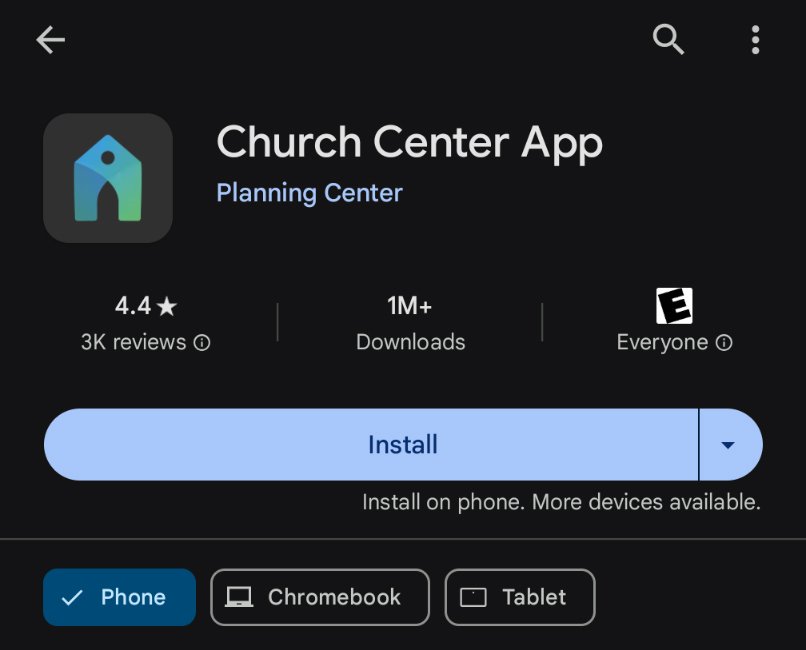
Google Play Store
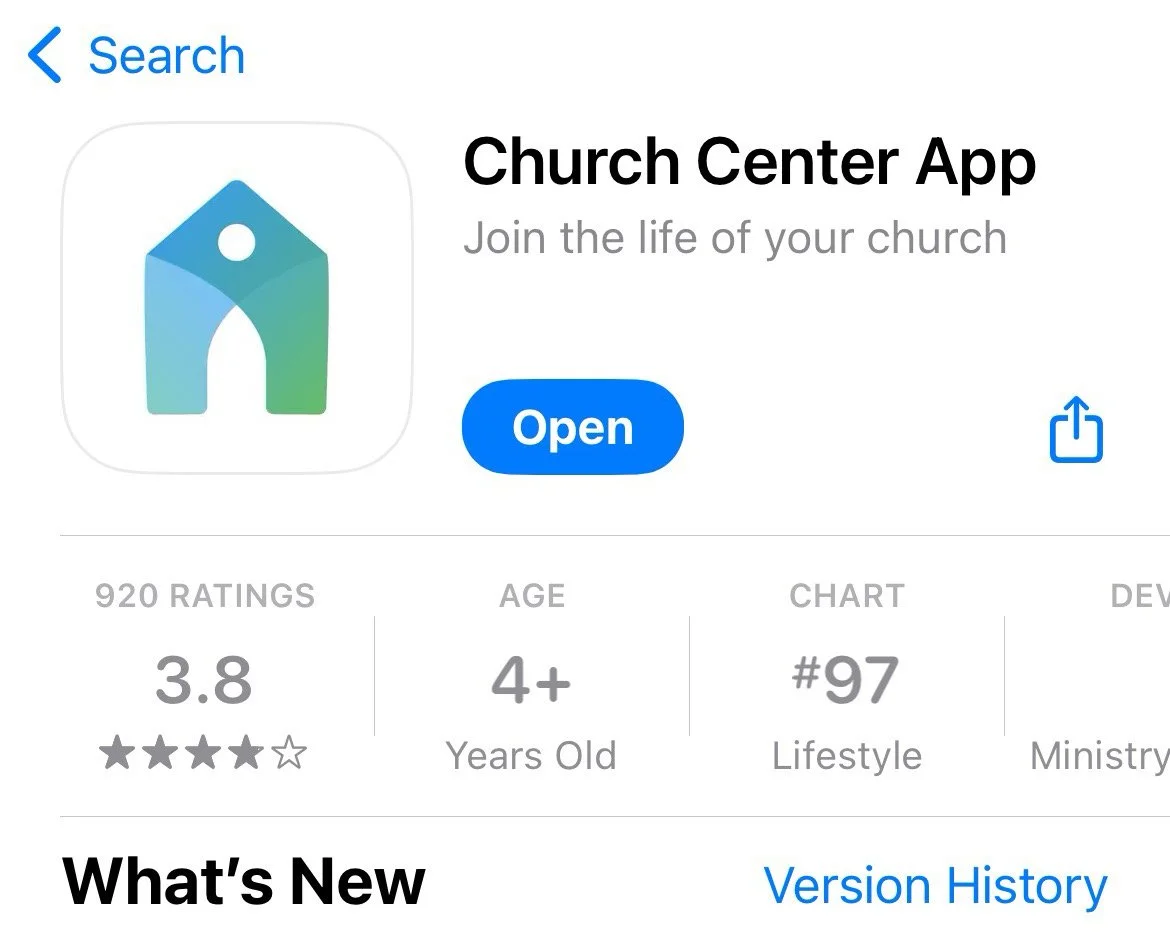
Apple App Store
Sign In To Church Center
Search for Bethany Road Bible Church and enter zip code 60115.
Select Bethany Road Bible Church.
You can use your mobile phone number or email to sign into your account.
Enter the code you received to your email or via text to your phone on the next screen.
Click the Login button.
You are now logged into your Church Center account for Bethany Road Bible Church!